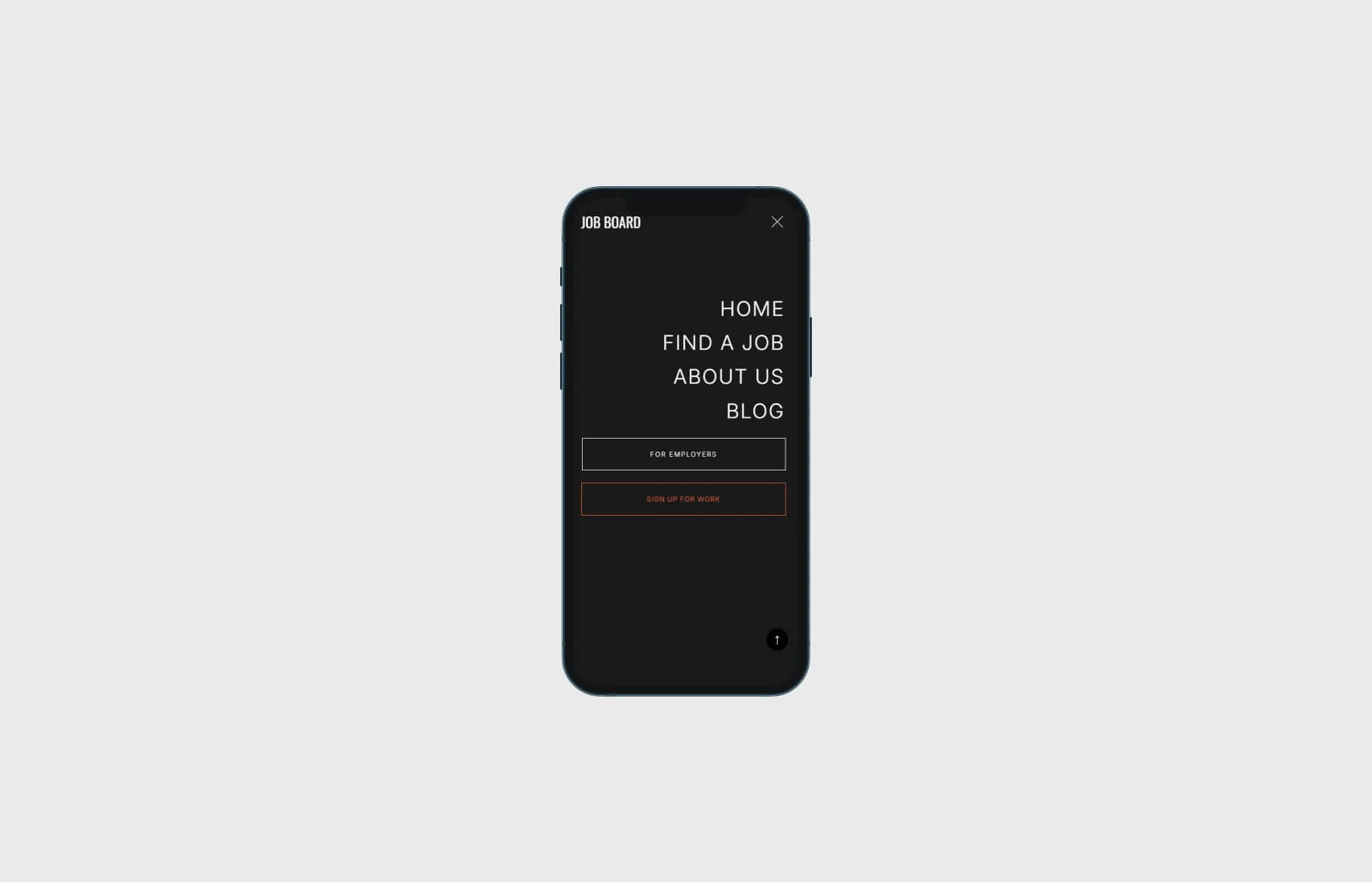
Custom menu hamburger icon in Squarespace
Want to replace the default Squarespace hamburger icon with your own custom design? You can do it easily with a few lines of CSS. This snippet lets you swap in different icons for light and dark backgrounds to keep your header looking sharp across themes.
Step 1: Prepare Your Icons
Upload two transparent PNG or SVG icons to your Squarespace Assets (one for dark backgrounds, one for light). Copy each image URL - you’ll use them in the code below.
Step 2: Add the CSS
Go to Design → Custom CSS in Squarespace and paste the following, replacing the image URLs with your own:
/* for dark colloured backgrounds */
[data-header-theme=""],.dark,.dark-bold,.black,.black-bold,.bright,.bright-inverse, {
.burger-inner:after {
    content: "";
    background-image: url(https://image.png);
    background-size: contain;
    background-repeat: no-repeat;
    background-position: left;
    background-color: transparent !important;
    display: block;
    width: 40px;
    height:50px;
    margin-top:-8px;
}
.burger-inner>div {
    display: none !important;
}
 }

/* for light colloured backgrounds */
[data-header-theme=""],.white,.white-bold,.light,.light-bold {
.burger-inner:after {
    content: "";
    background-image: url(https://img.png);
    background-size: contain;
    background-repeat: no-repeat;
    background-position: left;
    background-color: transparent !important;
    display: block;
    width: 40px;
    height:50px;
  margin-top:-8px;
}
.burger-inner>div {
    display: none !important;
}
 }
Step 2: Save and Test
Preview your site in both light and dark header modes. The hamburger icon should now switch automatically depending on your header’s background color.
Pro Tip: Adjust the width, height, or margin-top values to fit your design perfectly.
Check out our library of code snippets and site enhancements.